
A quick and convenient way to communicate with your contacts, is by sending them emails directly from their contact record Inside Max Classic
Directions
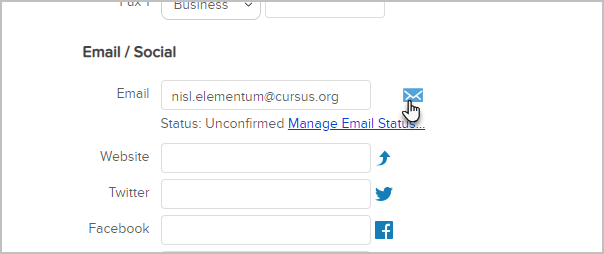
- While viewing the contact record, click the email icon next to their email address.
- Create your email now, or select a different starting template by clicking on the Template button.
- Click Send
| Note: Forwarding an email from a contact's email history will strip out any hyperlinked text in the forwarded email. |
Comments
0 comments
Please sign in to leave a comment.