
Enable payment collection on Invoices
The invoices will work with all order types: online orders, unpaid orders, or manual orders. To enable this feature:
- Go to E-Commerce > Settings
- Search Quotes & Invoices
Under the Invoice section make sure "Yes" is selected under "Enable payment collection on invoices.
Invoice - Default Fields
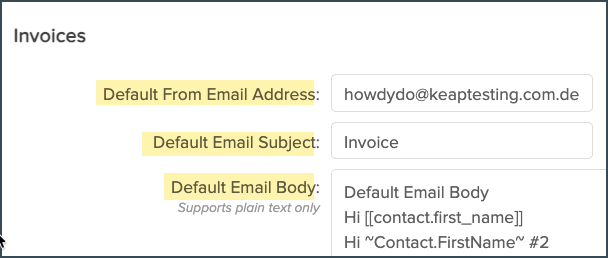
There are options available that will allow you to save default fields for Invoices and Receipts.
You can create and save:
- Default "From" Email Address
- Default Email Subject
- Default Email Body
- Default Email Closing
- Terms & Conditions

Invoice - Tax Settings
Available Business Number tax type options:
- ABN
- BN
- EIN
- VAT
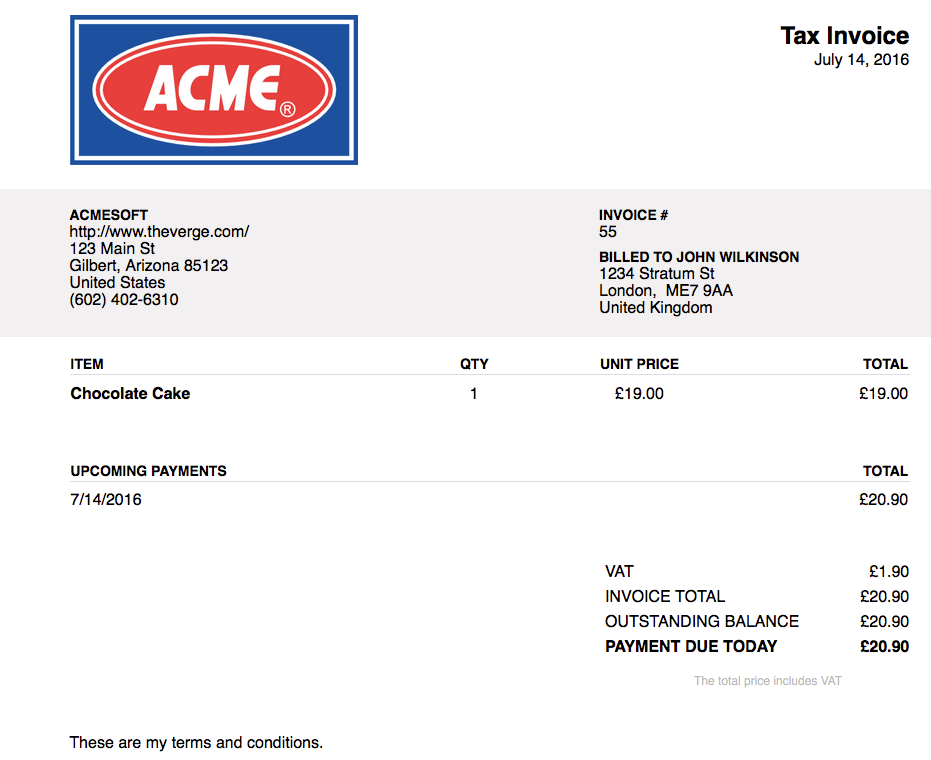
Invoice Title and Tax Label will automatically update based on your selected Business Number tax type. However, these fields are editable so you can customize to your specifications as needed.
Legal Requirements for Reference:
Receipts
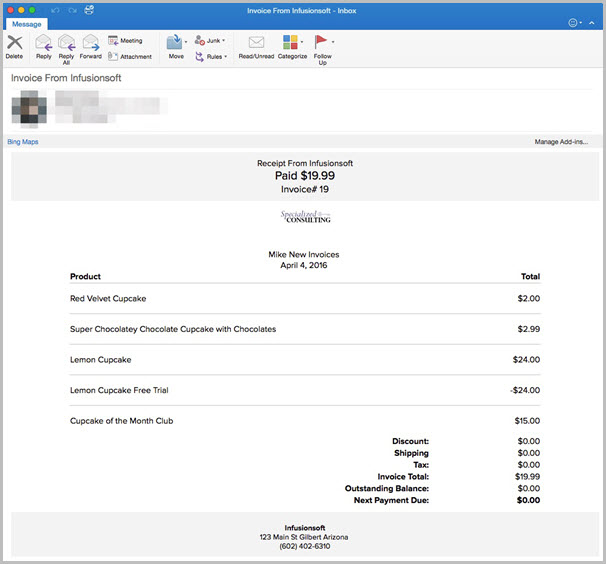
There are a couple settings that will trigger a Receipt when a purchase is made. When an order is paid for through an invoice a receipt can be sent confirming payment.
| Note: When you choose Enable Payments collection on invoices, you can no longer use legacy custom invoices! |
- Go to E-Commerce > Settings
- Search Order
- Check Yes next to "Email receipts/invoices upon successful payment?"
- This will then send this Receipt when a payment is made through an Invoice.
Comments
0 comments
Please sign in to leave a comment.